
Picture a shop with great products, a lovely display and a locked front door. Customers walk past, peek through the glass and move on. Nobody tells the owner the door is locked, because nobody ever gets far enough to complain.
Websites can work the same way. You publish good content, you bring in some website traffic, and still a few pages never appear in Google, or the site drags on a phone, or rankings simply refuse to move. Often the writing is fine. Something technical is quietly locking the door, and a technical SEO audit is how you find it.
What Is a Technical SEO Audit?
It’s a systematic check of everything behind the scenes that decides whether search engines can find, read and trust your pages. Your copy and keywords aren’t the focus here. The questions are more basic. Can Google reach the page? Does it understand what the page is about? And is the experience decent once a visitor arrives?
Most site owners never look at these things until something breaks, which is exactly why an audit tends to turn up surprises.
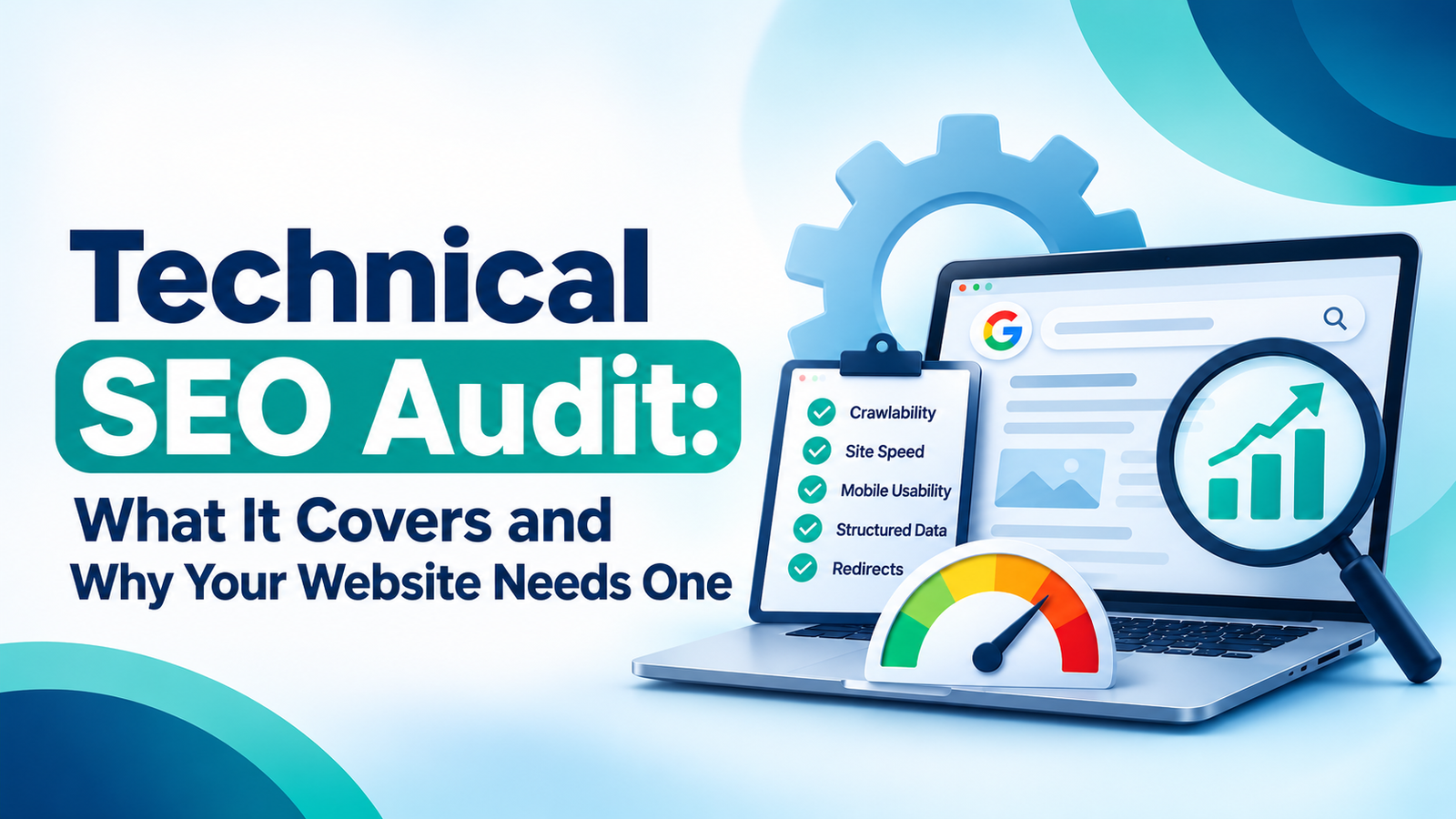
What a Technical SEO Audit Covers
A good audit is more than a tool’s export with a logo on top. These are the areas worth your attention.
Crawlability and Indexing
Before a page can rank, search engines have to crawl it and add it to their index. So we start with the gatekeepers: your robots.txt file, XML sitemap, noindex tags and canonical tags. One misplaced noindex tag can hide an important page for months, and nobody notices because the page looks perfectly normal in a browser.
We also look for orphan pages, meaning pages that no other page links to. Google’s own SEO starter guide keeps coming back to the same idea: if search engines can’t find a page easily, nothing else you do for it matters much.
Site Structure and Internal Linking
Search engines move through your site by following links, much like a visitor would. If your best service page sits five clicks from the homepage, both of them will struggle to find it.
So we check URL patterns, navigation depth and how pages link to each other. The goal is a structure that feels obvious, where important pages are close to the surface.
Redirects and Status Codes
Broken links and tangled redirects are the cracks nobody sees until they’ve spread. An audit flags 404 errors, redirect chains and loops, and temporary 302 redirects that were meant to be permanent 301s.
They show up most after a redesign or migration, when old URLs get left behind.
Structured Data (Schema Markup)
Schema markup is a layer of code that tells search engines what a page actually is: a local business, a product, an FAQ, an article. Done properly, it can make pages eligible for rich results, and it helps AI-driven search read your content with less guesswork.
During an audit we check that schema exists, that it’s valid, and that it matches what people can see on the page. If you’re new to it, Google’s introduction to structured data is a clear place to start.
Mobile Usability and Page Speed
Most people in India search on their phones, and they won’t wait around for a slow page. We test layout, tap targets, text size and loading time on mobile, since that’s where the real damage usually happens.
Oversized images and heavy scripts are the usual suspects, and thankfully they’re often quick wins.
Duplicate Content and Security
When several pages chase the same keyword, they end up competing with each other. The audit picks out duplicate titles, thin pages and URL variations, then recommends merging them or pointing them to one canonical version.
We also confirm the site runs fully on HTTPS. And security goes further than a padlock icon. Outdated server software can leave your website and your leads exposed, which we covered in our post on the critical PHP vulnerability of 2026.
Signs Your Website Needs an Audit
You don’t need to wait for a disaster. But if any of these sound familiar, it’s probably time:
- New pages aren’t showing up in Google
- Organic traffic dropped and you can’t explain why
- The site feels slow, especially on mobile
- You’ve recently redesigned, changed domains or switched platforms
- Rankings are stuck even though your content keeps getting better
- Search Console is showing warnings nobody has looked at
Two or more? Don’t put it off.
How Often Should You Run a Technical SEO Audit?
There’s no magic number, but here’s a sensible rhythm. Most small and mid-sized business sites do well with a full audit once or twice a year. Big ecommerce stores, with thousands of products changing all the time, are better off checking every quarter. And after any major change, like a redesign or a CMS switch, run one straight away.
Between audits, make a habit of glancing at Google Search Console each month, and keep an eye on your trends in Google Analytics. Small problems usually show up there first.
What a Good Audit Report Should Look Like
A hundred-line list of errors isn’t helpful. Most of those warnings won’t matter, and you’ll never know which ones do.
A good report sorts issues by impact, explains each one in plain language and tells you what to do next. Fixing a handful of serious problems, like blocked pages or broken redirects, will usually move the needle more than cleaning up fifty minor notices.
Final Thoughts
Technical SEO rarely gets attention because visitors never see it. Yet it decides whether your content, ads and links can actually do their job. Treat an audit as routine maintenance, not an emergency repair, and you’ll catch problems while they’re still small.
If you’d like an expert pair of eyes on your site, a digital marketing agency in Kerala like Medowa Global can run a technical SEO audit and turn the findings into a clear, prioritised plan.
Frequently Asked Questions
What is a technical SEO audit?
It’s a detailed review of your website’s technical health, covering crawlability, indexing, structure, speed, mobile usability and structured data, to find issues that hold back search performance.
How long does a technical SEO audit take?
For a typical business website, a few days to a couple of weeks, depending on size and complexity. Large ecommerce sites take longer.
Can I do a technical SEO audit myself?
For the basics, yes. Google Search Console and a crawler tool will reveal many common issues. Deciding what to fix first, though, usually benefits from experience.
What is the difference between technical SEO and on-page SEO?
On-page SEO is about what’s on the page: content, headings, keywords. Technical SEO is about how the site is built and delivered, so search engines can access and understand it.
Will fixing technical issues improve my rankings?
It can, especially when the issues were blocking crawling or indexing. Technical fixes clear the way, but they work best alongside strong content and good links.