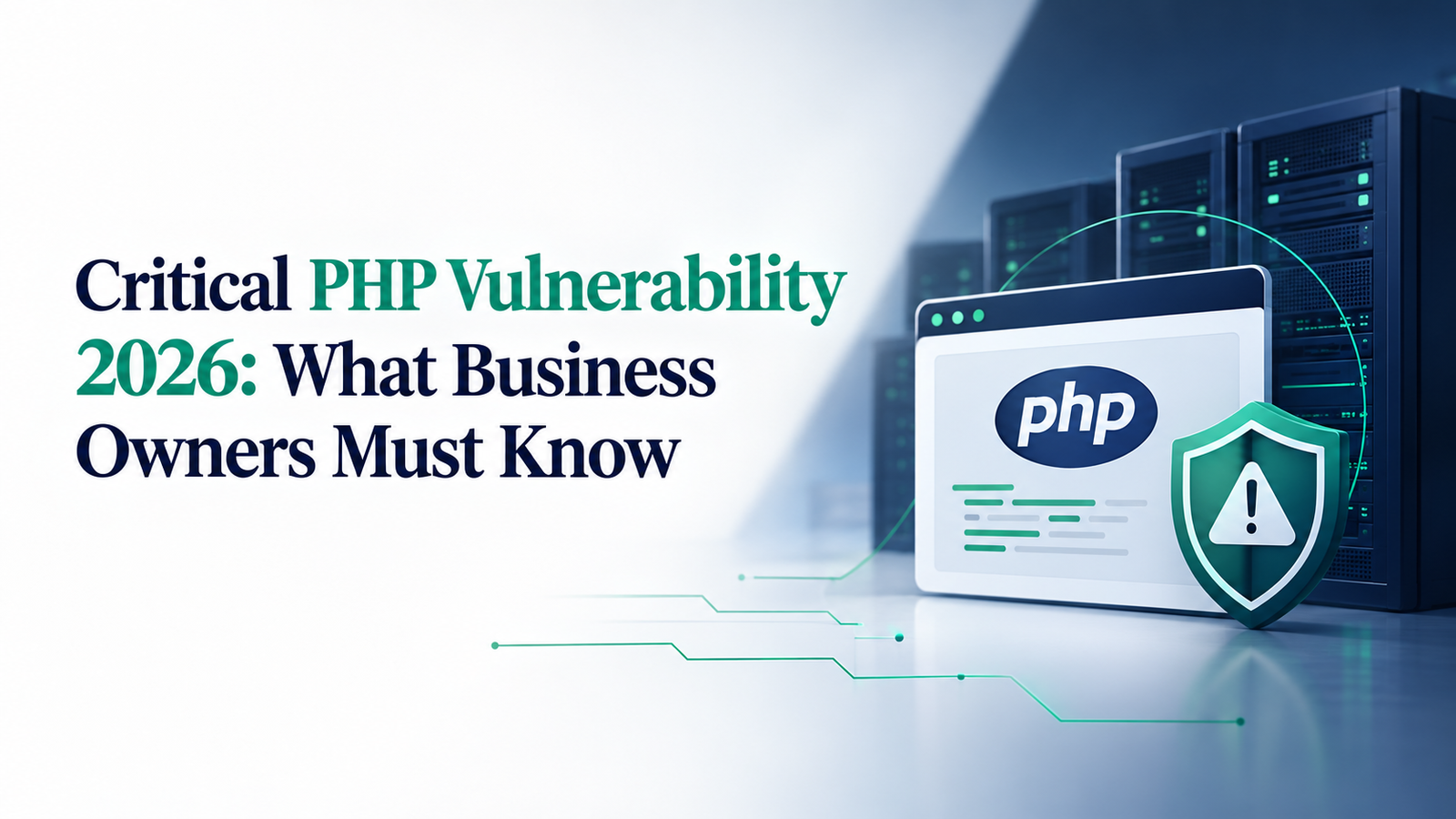
If your social feed is full of warnings about a critical PHP vulnerability, you are not alone. This PHP security flaw, nicknamed PHP2Shell, is serious, but it is fixable, and most of the work sits with your hosting provider, not you. This guide explains the full timeline in plain language and answers the questions business owners are searching for.
What is the new PHP vulnerability of 2026?
The PHP vulnerability of 2026 is a pair of critical security flaws, CVE-2026-109618 and CVE-2026-109619, inside PHP itself. PHP is the programming language that runs on the web server behind WordPress, WooCommerce, Joomla, Drupal and many custom websites.
Both flaws allow PHP remote code execution: an attacker can run their own code on a web server without a password, just by sending a specially crafted request. PHP rated both 9.2 out of 10 for severity.
Example: Think of your website as a shop, and PHP as the building it sits in. Your shop can have a strong lock, but if the building’s back wall has a hole, anyone can walk in. This flaw is a hole in the building, not in your shop.
Why does a PHP security flaw matter to small businesses?
PHP powers a huge share of the internet. It is used by just under 70% of websites whose server language is known. If you have a WordPress website, it almost certainly runs on PHP.
How well your site was built does not matter here. Researchers showed the attack working against clean, out-of-the-box WordPress, Drupal and Joomla sites, because it strikes before WordPress even loads. That makes website security for small business owners a hosting question, not a design question.
Example: A dental clinic with a five-page WordPress site and one enquiry form is as exposed as a large online store, if both run on unpatched PHP.
When and how was this PHP vulnerability discovered?
In mid-August 2026, researchers at AI firm Calif and Google’s Wiz found the flaws with help from AI models. Wiz says its first finding was on 19 August.
The vulnerable code dates back to PHP 5.4, released in 2012, so the weakness went unnoticed for about 14 years. The researchers reported it privately, and the plan was to fix it quietly and announce it on October 22.
How did the PHP security flaw leak before the patch?
The plan broke down. On October 17, Amazon’s honeypot network recorded the first exploit attempt, four days before disclosure.
On October 20, a Hacker News post revealed the upcoming disclosure, and Calif accidentally posted a video demonstrating the attack. That evening, the PHP team warned administrators that an emergency PHP security update was coming the next day.
This leak is why the news spread across social media so suddenly.
When was the PHP security update released?
On October 21, PHP released the PHP patch in versions 8.5.12, 8.4.27, 8.3.36 and 8.2.35. Within minutes, security firm watchTowr reported active exploitation attempts. Some government websites in Europe were taken offline as a precaution.
There is one catch for many small businesses: because of PHP 8.1 end of life, PHP 8.1 and older get no official fix. Sites on old PHP need their host to supply a backported fix or update the PHP version.
Is there a new PHP bug after the patch?
Yes. On October 23, PHP disclosed a related flaw, CVE-2026-115560. It only affects applications configured in an unusual way, and no exploitation had been reported as of October 26.
The October 21 patch does not fix it, but one server setting blocks it: session.upload_progress.enabled = 0. Your hosting provider can apply it in minutes.
Are hackers actively exploiting this PHP vulnerability?
Yes. On October 26, the US cyber agency CISA added both flaws to its Known Exploited Vulnerabilities list, confirming real attacks.
Attackers are trying to use the flaw to install Mirai malware, and a North Korea-linked group has been listing unpatched servers to target.
These attacks are automated scans, not targeted picks. Any unpatched server is at risk, whatever the size of the business.
Is my WordPress website affected by the PHP vulnerability?
This WordPress PHP vulnerability depends on your hosting, not on WordPress. WordPress.org says the issue is not specific to WordPress, and no WordPress update is planned. Updating WordPress alone will not fix it.
| Your hosting | Status |
|---|---|
| WordPress.com, Pressable, WordPress VIP | Protected by Automattic |
| Kinsta | Fixed at hosting level |
| GoDaddy Managed WordPress | Fully patched |
| GoDaddy regular Web Hosting | On temporary mitigations at last update |
| Any other host | Ask them directly |
How to check your PHP version in WordPress: go to Tools → Site Health → Info → Server. Note that 35.8% of WordPress sites run PHP 8.1 or older, which has no official fix.
Can this PHP flaw affect my Google Business Profile?
Not directly. Your Google Business Profile runs on Google’s own systems, so this flaw cannot hack it. Calls, direction requests and reviews keep working.
The risk to Google Business Profile website security is indirect. The “Website” button sends customers to your site. If your website is hacked, they could land on spam or a scam page, and Google may show a security warning instead of your homepage.
Example: A customer finds your bakery on Google Maps and taps “Website” to see your cake menu. Instead, they are redirected to a fake prize page. They leave, and you lose both the enquiry and their trust.
What happens to my leads if my website is hacked?
If an attacker gets in through an unpatched server, these are realistic outcomes:
- Stolen enquiries. A real estate agent’s form submissions, with names, phone numbers and budgets, are copied and sold.
- Silent form failure. A coaching centre’s contact form is quietly broken, and enquiries stop for a week before anyone notices.
- Redirected visitors. A clinic’s homepage sends some visitors to a scam site, and Google flags the domain as unsafe.
- Downtime. The host takes the site offline to clean it, right in the middle of a festive season campaign.
None of these is certain. They are why a quick fix matters more than panic when you want to protect your website leads.
How do I protect my website from the PHP vulnerability today?
These steps take under an hour and need no technical skill:
- [ ] Contact your hosting provider about the security update. Ask: “Has our server been patched for CVE-2026-109618 and CVE-2026-109619, and on what date? Is session.upload_progress.enabled set to 0?” Get the answer in writing.
- [ ] Check your PHP version in Site Health. Safe versions are 8.5.12, 8.4.27, 8.3.36, 8.2.35 or later, unless your host confirms a backported fix.
- [ ] Send a test enquiry through your own contact form and confirm it arrives.
- [ ] Look for signs your website was hacked: unknown admin users, unfamiliar plugins, strange pages, or a sudden drop in enquiries.
- [ ] Back up your leads outside the website, in your email, a CRM or a spreadsheet.
- [ ] Keep WordPress, themes and plugins updated as part of normal WordPress security.
If you notice warning signs since October 17, treat the site as compromised and change every password and API key it holds.
Which PHP vulnerability advice should I ignore?
- “Rebuild your whole website.” Not needed. The fix is a server update, not a redesign.
- “Install this security plugin to fix the PHP flaw.” A plugin cannot repair the PHP engine underneath it. Even one such plugin’s makers call it a shield, not a cure, and plugins from unknown sources can themselves be harmful.
- “Move off WordPress immediately.” WordPress was a test target, not the cause.
- Panic-selling “emergency audits” before you have asked your host what is already done.
A written confirmation from your hosting provider is worth more than a dozen viral videos.
Who should manage my website security and digital presence?
This won’t be the last critical vulnerability. Attackers now move within hours of a disclosure, and AI is speeding up how flaws are found, so news like this will come more often.
Business owners shouldn’t have to decode CVE numbers or chase hosting tickets. Your time belongs to your customers. What protects your leads is a Digital Partner who:
- Understands your niche: how customers find you, which pages and forms bring enquiries, and what downtime costs you in peak season.
- Tracks industry updates daily: knows about a critical PHP vulnerability on day one, not when it trends on Instagram.
- Acts before you ask: confirms the security update with your host, checks your forms, monitors your website and Google Business Profile, and sends you a plain-language update.
When your website and Google profile are your sales team, keep them with someone who knows both your business and the technology behind it. That is how a crisis like this becomes a five-minute message instead of a sleepless week.