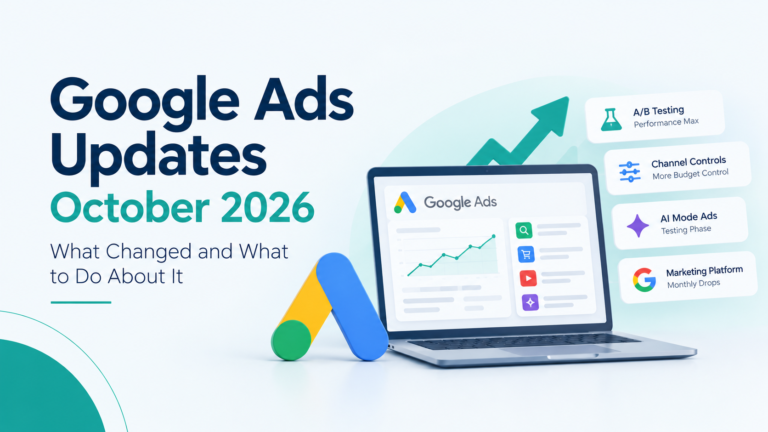
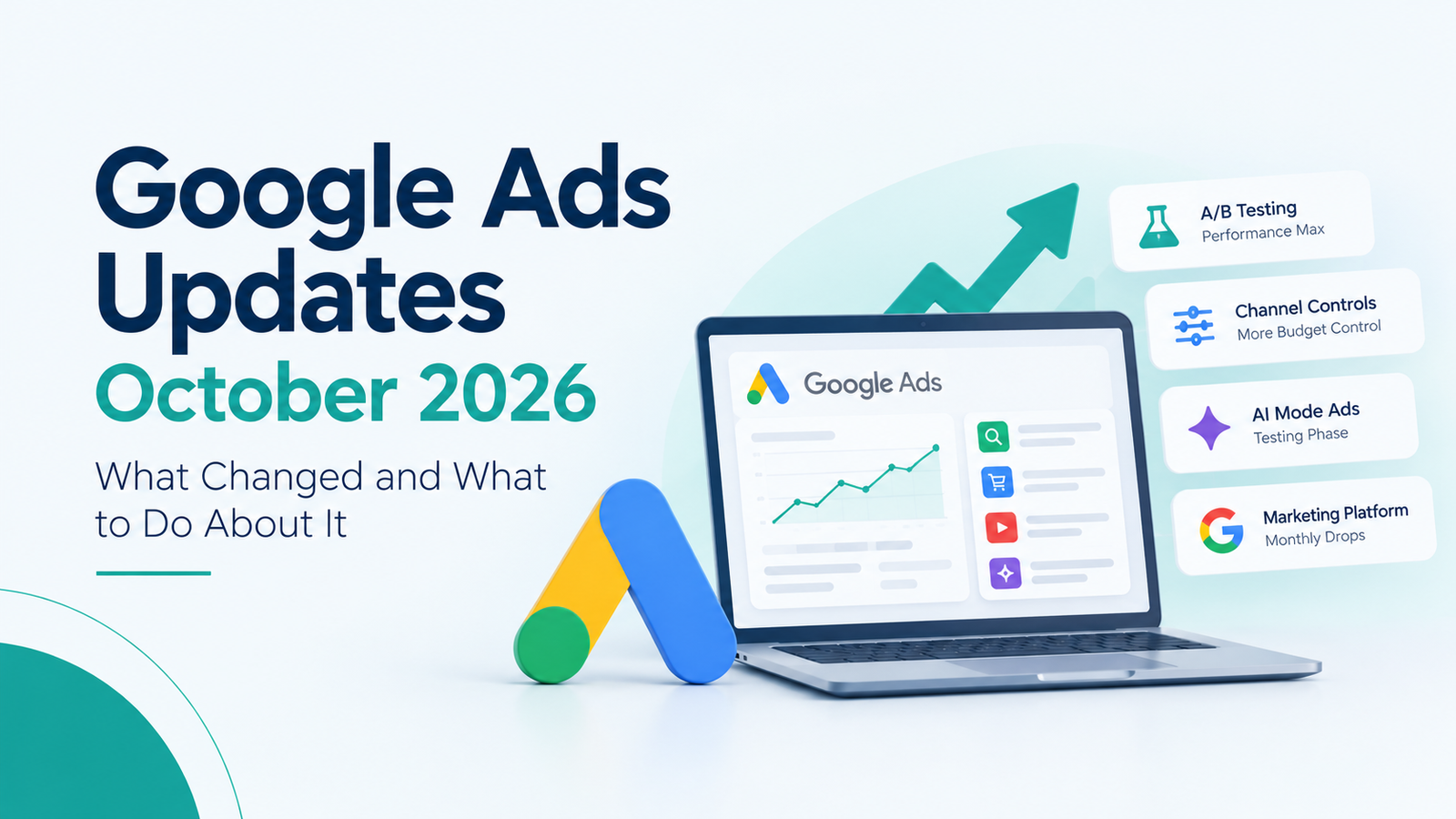
If you manage Google Ads, October probably felt a bit relentless. Within about three weeks, Google added A/B testing to Performance Max asset groups, rolled out new channel controls, started testing ads inside AI Mode, and launched a monthly update series for Google Marketing Platform.
You don’t need to act on all of it. A few changes are worth using right away, a few are still experiments, and one or two only need a quick look. So let’s go through them one at a time and decide what deserves your attention this week. Also, Google rolls features out slowly, so don’t panic if something hasn’t reached your account yet.
Performance Max asset group A/B testing: proof instead of guesswork
Creative testing in Performance Max has always been a little frustrating. Google mixes and matches your assets on its own, so when results changed after you swapped a headline, you couldn’t really say why.
The new asset group A/B testing is Google’s answer to that. As Search Engine Land reported, it gives advertisers a controlled way to check whether a creative change actually helped. You can test headlines, descriptions, images and video inside the asset group, which covers most of the creative questions a PMax account raises. Does a price-led headline beat a benefit-led one? Does a lifestyle photo beat a clean product shot?
There’s one catch. Once a test starts, that asset group is locked, and you can’t edit it until the experiment ends. So it pays to plan properly before you press launch.
A few habits will make your results easier to trust:
- Test one clear idea at a time, like offer-led versus trust-led messaging, rather than ten small tweaks at once.
- Choose your success metric first, whether that’s cost per lead, conversion value or ROAS.
- Let the test run for a few weeks. PMax needs time to settle, and early swings often fade.
- Check your conversion tracking before you begin. A test built on messy data only gives you confident nonsense, and our guide to ROI measurement in digital marketing covers that groundwork.
Channel prioritization and budget allocation: more say over where your money goes
Until now, a channel was either on or off. Google’s new controls add something in between. In Search, Shopping, Performance Max and Demand Gen, you can mark channels as High or Low priority, and everything starts at High.
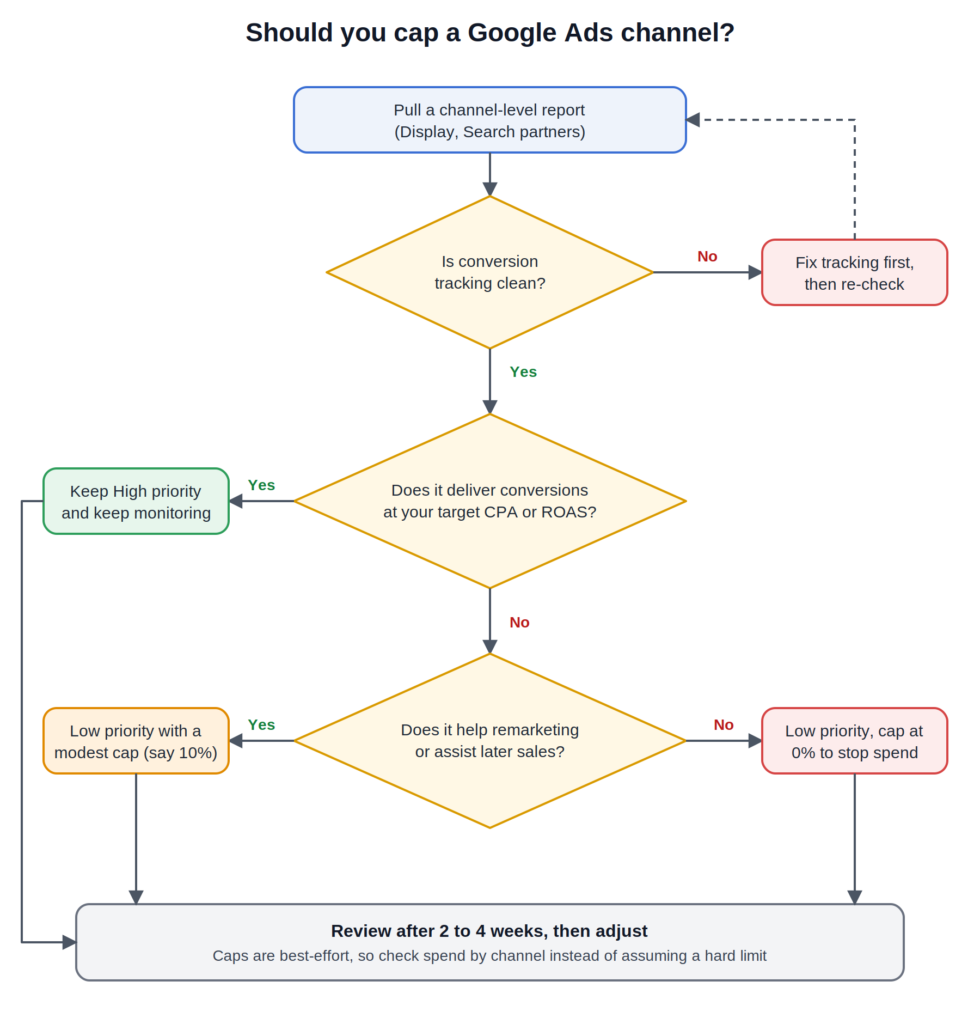
High priority channels get funded first. Low priority channels can then share a capped slice of your daily budget. Google’s own example is a 5% cap on a $1,000 daily budget, which comes to about $50 a day, and a 0% cap stops spend on that channel completely. In rupees, a ₹2,000 daily budget with a 10% cap on Display would aim for roughly ₹200 a day there.
Google announced this on 14 October, and the controls began reaching accounts from 15 October.
Two things are worth remembering. The cap is best-effort, not a hard limit, so spend can occasionally creep past it. And Performance Max bundles Google’s own surfaces (Search, YouTube, Maps, Gmail and Discover) into one group. You can’t rank YouTube below Search, but you can control how much budget goes to partner and Display inventory.
Before you cap anything, look at conversions by channel. Display and partner placements often carry remarketing impressions, so check how your retargeting and remarketing ads are doing first. Cheap, low-quality clicks are worth capping. Assisted conversions are not. Here’s a quick way to decide:
Ads in AI Mode now reach Personal Intelligence users, as a test
Google has started testing ads in AI Mode for people who connect their apps through Personal Intelligence. That experience launched ad-free, so this is a genuine change of direction. Insights from the connected apps may now help decide which ads someone sees.
There’s a clear limit, though. Advertisers can’t see anyone’s connected apps, and no new targeting option comes with the test. Google hasn’t said how big the test is, how long it will run, or where.
So watch it, but don’t rebuild campaigns around it. If your AI Mode or Search numbers start looking odd, note the date and keep that reporting separate, so a test effect doesn’t get mistaken for a campaign problem. If you want the wider picture of how Google, Meta and AI placements fit together, our guide to online advertising in 2026 is a good companion read.
Google Marketing Platform Drops: a monthly update series
The name sounds dramatic, but “Drops” just means Google will publish a monthly roundup of new features across its marketing platform. The first edition came out on 22 October, and you can read it in Google’s official Marketing Platform post.
The main items sit inside Display & Video 360. Gemini now curates personalized media bundles in the Marketplace, with single-click activation for live sports and big events, and LinkedIn’s CTV ad inventory has been added for unified buying and measurement.
This mostly matters to larger advertisers buying programmatic and connected TV. For everyone else, the useful takeaway is the direction: Google keeps adding Gemini to planning and buying. That means more automation, and more reason to keep your own measurement honest. And to be clear, a “Drop” has nothing to do with a drop in your traffic.
What to do this week
Start small. Pick one Performance Max asset group worth testing and write down the single creative idea you want to compare. Then pull a channel-level report, so you know where your conversions really come from. If Display or partner spend looks wasteful, move it to Low priority with a modest cap instead of switching it off. Keep an eye on your AI Mode and Search reporting for unusual shifts. And skim the monthly Drops only if you use Display & Video 360 or Search Ads 360.
Frequently Asked Questions
What is A/B testing for Performance Max asset groups?
It lets you compare two sets of creative inside one asset group to see which performs better. The asset group stays locked to other edits while the test runs.
Is channel budget allocation a hard cap?
No. Google calls it best-effort, so spend can occasionally go slightly over the percentage you set. Only a 0% setting firmly blocks a channel.
Can advertisers see people’s Gmail or Photos data in AI Mode ads?
No. Google says advertisers don’t get access to connected apps. Insights from them may only influence which ads are shown.
Will AI Mode ads reach Indian advertisers soon?
Google hasn’t said. It’s still described as a test, so wait for official announcements before changing your plans.
Final thoughts
If there’s one pattern across all four updates, it’s this: Google is giving advertisers a little more control through testing and channel caps, while automation keeps growing underneath. The advertisers who gain the most will be the ones who test on purpose and read their data carefully. If you’d like a second pair of eyes on your account, our team handles Google Ads management for businesses across Kerala and India.