
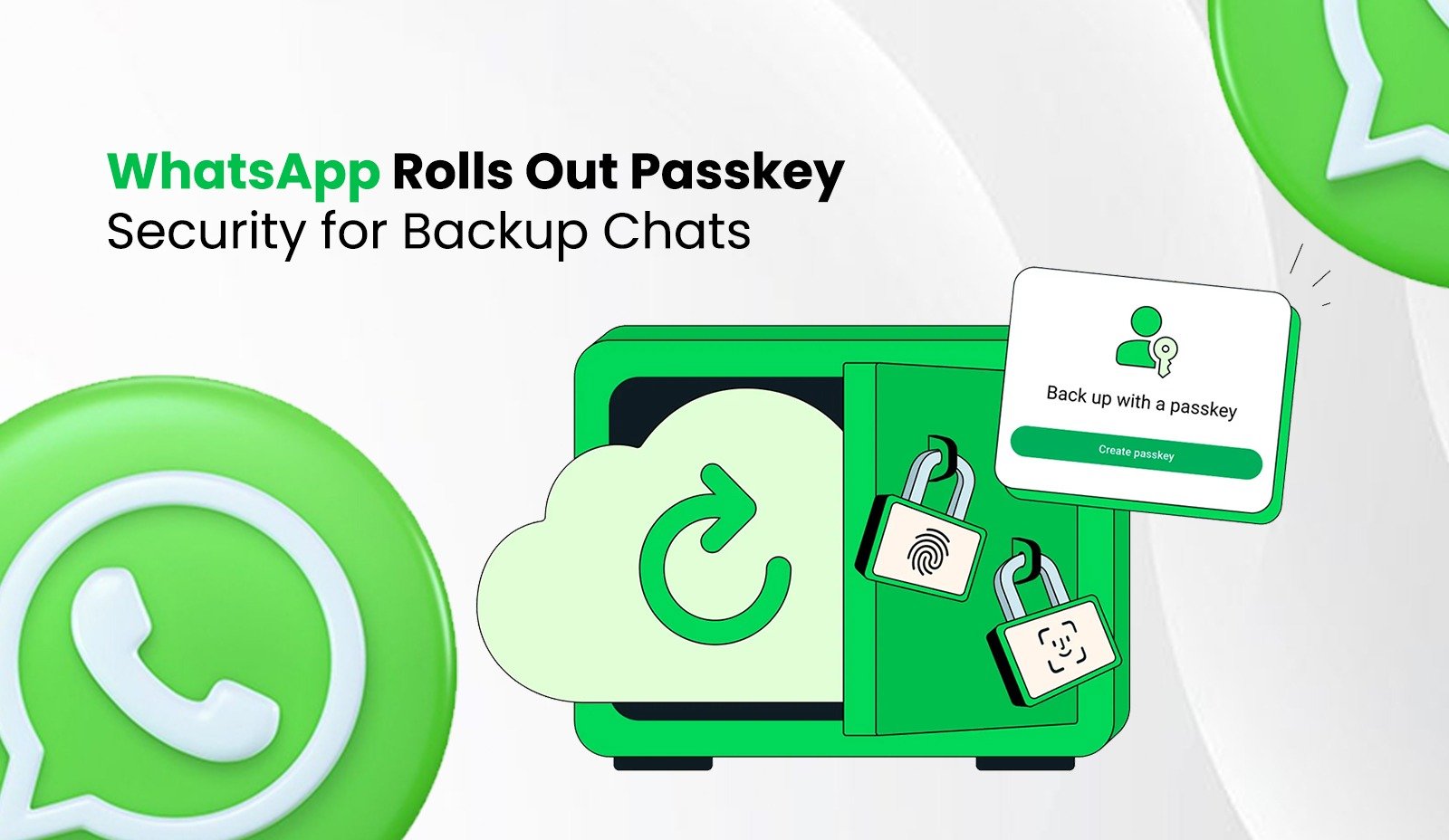
In a significant step toward enhancing user privacy and simplifying data security, WhatsApp has rolled out a new passkey protection feature for chat backups. This innovative update leverages the built-in biometric and device-based authentication methods—such as fingerprint scanning, Face ID, or a user’s screen lock PIN—to securely encrypt and restore WhatsApp backups stored in the cloud. By doing so, WhatsApp eliminates the traditional hassle of managing complex passwords or long encryption keys, offering a seamless yet highly secure way for users to protect their conversations. This advancement not only strengthens end-to-end encryption for backups but also ensures that only the legitimate device owner can access their chat history—making privacy both robust and user-friendly.
How Passkey-Encrypted Backups Work
Gone are the days of wrestling with complex passwords or trying to safeguard a 64-character encryption key just to back up your WhatsApp chats. With the introduction of passkey-encrypted backups, WhatsApp has reimagined how users protect and restore their most private conversations—making the process not only more secure but also dramatically more user-friendly.
At the heart of this innovation is your smartphone’s built-in authentication system. Instead of relying on a password you might forget or a lengthy recovery key you might lose, WhatsApp now uses your device’s native security features—such as Face ID, fingerprint recognition, or your screen lock PIN/pattern—to encrypt your backup before it’s sent to the cloud and decrypt it when you need to restore it.
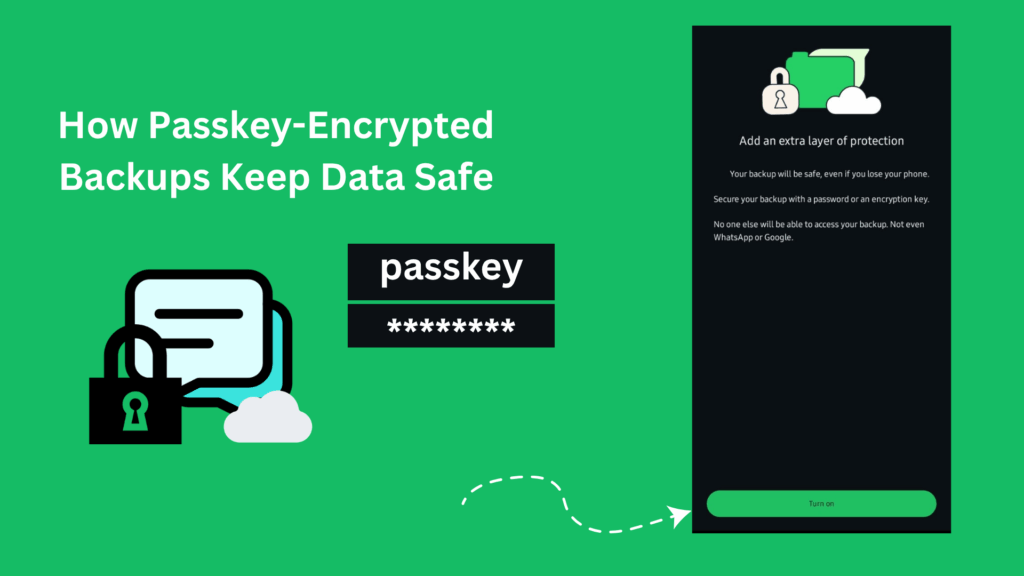
Here’s how it works:
Encryption at the Source
When you enable passkey-protected backups, WhatsApp generates a unique encryption key on your device. This key is then securely tied to your biometric or lock-screen credentials and never leaves your phone. Your chat backup—stored in Google Drive (on Android) or iCloud (on iOS)—is encrypted using this key, ensuring that even if someone gains access to your cloud storage, they can’t read your messages.
Seamless Restoration
When you switch to a new phone or reinstall WhatsApp, the app prompts you to authenticate using the same method you use to unlock your device—your face, fingerprint, or screen lock. Once verified, your device uses the stored credentials to unlock the encryption key, which then decrypts your backup and restores your full chat history.
No Recovery Key Needed
Unlike WhatsApp’s previous end-to-end encrypted backup system. Which required users to manually save or remember a 64-character key—passkey encryption eliminates that step. There’s no risk of losing your key or writing it down insecurely. Your identity is your key.
This approach leverages industry-standard passkey technology, which is designed to be phishing-resistant and far more secure than traditional passwords. Because the encryption key is bound to your device and protected by hardware-level security (like Apple’s Secure Enclave or Android’s Trusted Execution Environment), attackers can’t extract or replicate it.
In essence, WhatsApp’s passkey-encrypted backups strike a powerful balance: maximum privacy with minimum friction. You get the peace of mind that your messages are protected by end-to-end encryption—even in the cloud—while enjoying a restoration experience that’s as simple as looking at your phone or placing a finger on the sensor.
Security shouldn’t come at the cost of convenience. With passkey-encrypted backups, WhatsApp proves it doesn’t have to.
Benefits of Passkey-Encrypted Backups
Passkey protection significantly strengthens the security and privacy of your WhatsApp chat backups . By tying access directly to your device and biometric identity—ensuring that only you can restore your messages.
Exclusive Access:
Only the legitimate device owner can decrypt and restore backups using biometrics (Face ID, fingerprint) or screen lock credentials.
End-to-End Encryption:
Neither WhatsApp nor cloud storage providers (like Google Drive or iCloud) can access your encrypted chat data.
Phishing-Resistant:
Unlike passwords, passkeys rely on hardware-bound biometrics that can’t be stolen, phished, or reused across services.
No Shared Secrets:
There’s no password or recovery key to lose, leak, or store insecurely—your identity is the key.
How to Enable Passkey Protection
When the feature is available on your device, enabling passkey protection for your WhatsApp backups is quick and straightforward:
- Open WhatsApp and go to Settings → Chats → Chat Backup.
- Tap on End-to-end Encrypted Backup.
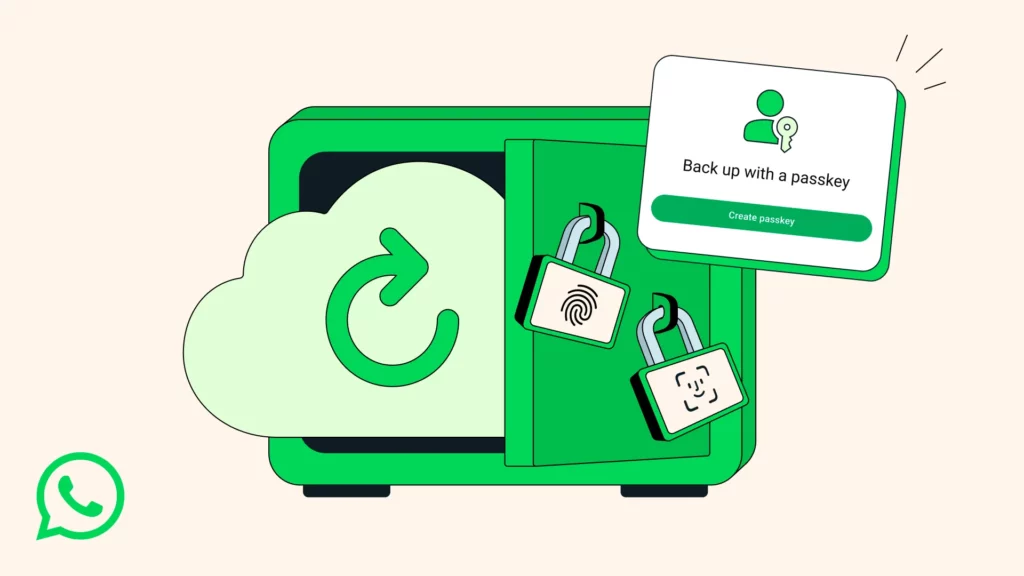
- If passkey support is available, you’ll see an option to “Use Passkey”—select it and follow the prompts to confirm your biometric credential (Face ID, fingerprint) or device screen lock.
Once enabled, your future backups will be automatically secured with your passkey—no passwords to remember, just seamless, secure protection.
Rollout Timeline
WhatsApp is gradually rolling out passkey-protected backups globally, with the feature expected to become widely available over the coming weeks and months. Since the update is being released in phases, not all users will see the option immediately. To ensure you don’t miss it, periodically check your WhatsApp settings under Settings → Chats → Chat Backup → End-to-end Encrypted Backup for the new passkey option. Once it appears, you can enable it instantly and start enjoying a more secure, password-free backup experience.
Conclusion
With the introduction of passkey-protected backups, WhatsApp has taken a major leap forward in making digital privacy both effortless and robust. By replacing cumbersome passwords and complex encryption keys with the simplicity of biometric authentication, the platform delivers a seamless, user-friendly experience without compromising security. For billions of users worldwide, this means peace of mind knowing their chat histories are protected by cutting-edge encryption—and accessible only to them. In an era where security and convenience often feel at odds, WhatsApp’s passkey innovation proves they can go hand in hand.