Most Google Ads penalties are loud. A disapproved ad, a suspended account, a policy violation email you know exactly what happened and why. The update Google rolled out on June 12, 2026 works differently, and that’s what makes it worth paying attention to.
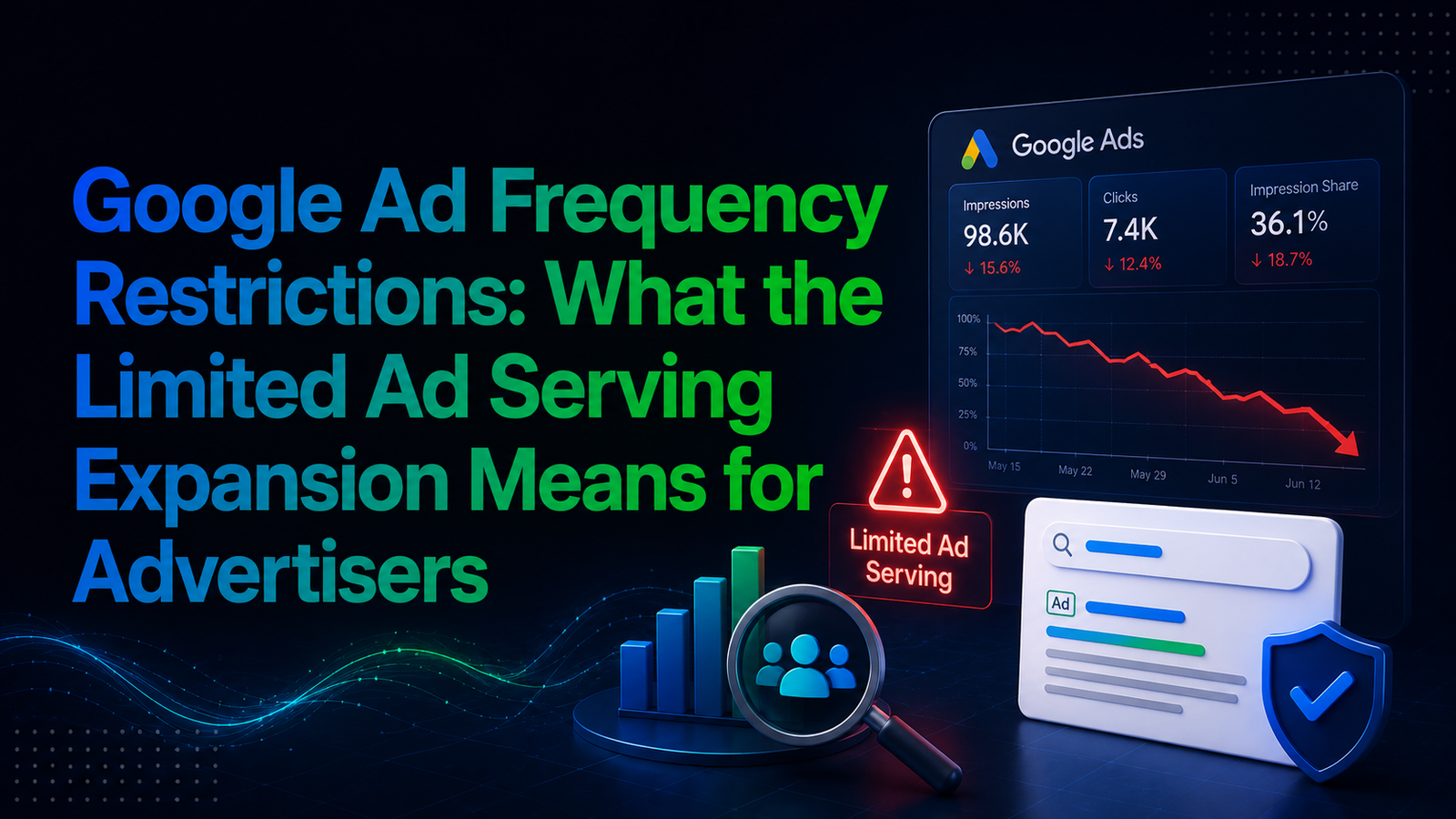
There’s no rejection notice. No suspension. Your ads keep running. But if users consistently report a poor experience with your brand, or if Google’s systems flag your landing page as low quality, your ad impressions quietly shrink on certain searches. You won’t always get a direct alert. Often, the first sign is a slow, unexplained dip in impression share that leaves you wondering why performance is slipping when nothing in your account has technically changed.
What Is Google's Limited Ad Serving Policy?
Limited Ad Serving isn’t new. Google introduced it back in 2023 to combat scams and misleading advertising, initially applying it to YouTube. What changed on June 12, 2026 is scope: Google expanded the policy to cover additional scenarios on Google Search, its highest-value ad surface. The rollout is gradual and is expected to be fully implemented by 2028, so the impact will build over time rather than hit every advertiser at once.
In simple terms, the policy allows Google to cap how often a given advertiser’s ads appear on searches it considers more likely to produce a negative user experience. It doesn’t disapprove the individual ad, and it isn’t an account suspension. It operates at the account level, throttling visibility across a portion of your impressions.
Why Ads Get Restricted: The Two Main Triggers
Google’s documentation points to two broad categories that drive this kind of throttling.
Persistent Negative User Feedback
When users repeatedly and disproportionately report that an advertiser’s content, products, or business practices don’t meet expectations, Google may treat that advertiser as “unqualified” and limit its impressions on certain searches. This isn’t a one-off complaint triggering a penalty, it’s a pattern of dissatisfaction that Google’s systems pick up on over time.
Unclear Brand Identity or Poor Landing Page Experience
The second trigger is about transparency. Ads that reference another brand without clearly explaining the relationship, or generic ads where it’s hard to tell who the advertiser actually is, fall into this bucket. The same applies to landing pages if a page fails to clearly display the brand name, loads slowly, or creates a mismatch between what the ad promised and what the user finds after clicking, it feeds directly into the same risk signal.
One detail worth flagging: when either trigger fires, Google can limit impressions across all of an advertiser’s ads, branded and generic alike, not just the one ad or landing page that caused the issue. The consequence lands on the account, not just the asset.
How This Differs From a Quality Score Penalty
It’s easy to confuse this with a low Quality Score, but the two aren’t the same mechanism. Quality Score affects your cost-per-click and ad position on a keyword-by-keyword basis. Limited Ad Serving is broader; it can restrict how often your ads are eligible to show at all on certain searches, regardless of your bid or Quality Score. A landing page with a poor experience rating already pushes up CPCs and lowers ad position under Quality Score rules; under Limited Ad Serving, that same weakness can now also shrink your reach entirely on higher-risk queries.
What Advertisers Should Do Now
Google has published its recommended best practices, and most of them come down to one theme: make your brand unmistakable.
- Pin your domain to position one in responsive search ads, especially if you’re a newer advertiser or a less established brand. This is done from the Ads tab by editing a responsive search ad and selecting the pin icon on the domain field.
- Keep your brand name visible on both the ad copy and the landing page it links to not buried in a footer or a secondary page.
- Avoid generic messaging. Vague ad copy that could belong to any business is exactly the pattern Google’s systems are trained to flag.
- Clarify third-party brand references. If your ad mentions another brand, make the relationship explicit rather than implied.
- Complete advertiser verification if Google requests it, and keep working to build genuine positive engagement across your campaigns.
- Audit landing page speed and mobile experience. Since page quality now ties directly into visibility, slow-loading or non-mobile-friendly pages carry more weight than before.
Certain industries should treat this with extra urgency. Google notes that additional restrictions, including certification requirements, may apply in high-abuse verticals such as financial services and healthcare.
How to Check If Your Account Is Affected
Since Google doesn’t always send a direct alert, the practical move is to check for it yourself rather than wait for a notification. A few places to look:
- Impressions share trends. In Google Ads, go to your campaign’s Search Impression Share column and look for a gradual, unexplained decline over recent weeks especially if your budget, bids, and Quality Score haven’t changed.
- Account notifications. Check the notifications bell in your Google Ads account. Advertisers with a meaningful proportion of impacted impressions do receive an in-account message, even if it doesn’t always feel prominent.
- Landing page report. Under Insights and reports, review the Landing Pages report for speed, mobile usability, and Core Web Vitals flags these feeds directly into the same risk signal as user feedback.
- Search terms report. If impressions are dropping on specific queries rather than across the board, that pattern lines up with how Limited Ad Serving targets higher-risk searches rather than the whole account.
If you spot the pattern, the fix isn’t a support ticket it’s working through the branding and landing page checklist above.
Frequently Asked Questions
Will I get notified if my ads are restricted under this policy? Not always directly. Advertisers with a meaningful proportion of impacted impressions receive an in-account notification, but many will first notice it as a gradual drop in impression share rather than a specific alert.
Is Limited Ad Serving the same as an account suspension? No. Your ads continue to run. The policy limits how often they appear on certain searches rather than disapproving them or suspending your account.
Does this affect all advertisers immediately? No. The rollout began June 12, 2026 and is expected to be completed gradually through 2028, so the effects build up over time rather than applying to every account at once.
What’s the single most effective fix advertisers can make right now? According to Google’s official guidance, source: Google Ads Advertising Policies Help, pinning your domain to position one in responsive search ads and ensuring your brand name is clearly visible on both the ad and landing page are the most direct steps toward reducing risk.
Final Thoughts
The bigger shift here isn’t really about pinning a domain or tweaking a headline. It’s that Google is weighing real user trust as a direct input into ad visibility, not just policy compliance and bid strategy. For advertisers running honest campaigns with clear branding, this update likely changes very little day to day. But for accounts leaning on generic copy, unclear identity, or landing pages that don’t match what the ad promises, the cost of ignoring it compounds quietly a slow bleed in impression share rather than a sudden red flag. The advertisers who audit their ad-to-landing-page experience now, before enforcement tightens further through 2028, are the ones least likely to be caught off guard later.
We’ve been walking a few of our own client accounts through exactly this kind of audit over the past few weeks checking domain pinning, brand clarity, and landing page load times before Google’s enforcement scales up further. If keeping ahead of changes like this isn’t something you have time to track alongside running campaigns, that’s the kind of ongoing work we handle at Medowa Global. Feel free to reach out if you’d like a second set of eyes on your account.